
Back to Work in the New Year? It’s Time to Check in on Your Office Setup

As people return to work at the start of a new year, it’s common for healthcare professionals to hear familiar concerns from office workers:
“My neck feels really stiff.”
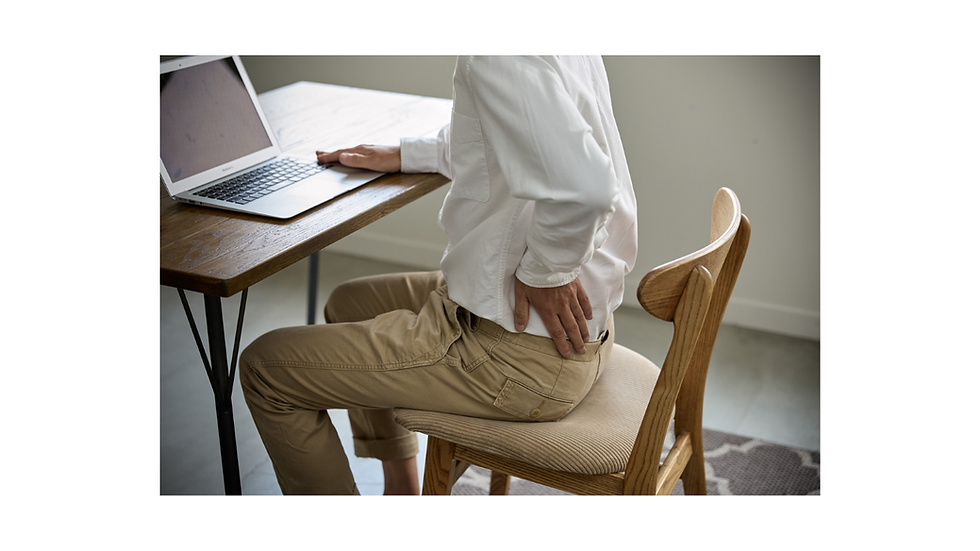
“My lower back is sore.”
“My shoulders feel constantly tight.”
“My hand or fingers sometimes feel numb.”
If any of these sound familiar, you’re certainly not alone. But have you ever stopped to consider why these symptoms develop in the first place?

The Hidden Impact of Prolonged Sitting
Many people spend 8–10 hours a day at their desk, which is a significant portion of the day—often more time than we spend sleeping. Sitting itself isn’t inherently harmful; however, remaining in the same position for prolonged periods, particularly in a poorly set-up workstation, can place unnecessary strain on the muscles, joints, and nervous system.
Over time, sustained postures may contribute to stiffness, muscle fatigue, reduced circulation, and increased tension through the neck, shoulders, back, and arms. Without regular movement or appropriate ergonomic support, these stresses can accumulate and lead to ongoing discomfort.
A Simple Office Ergonomic Check
As you settle back into work, it’s a good opportunity to pause and assess your workstation. While sitting at your desk, ask yourself the following:
Are your feet flat on the floor, with your knees roughly level with your hips?
Is your computer monitor at eye level, so you’re not looking up or down?
Are you reaching forward for your mouse or keyboard, or are they positioned comfortably close?
Does your chair support your lower back, helping you maintain a neutral posture?
Do you feel rounded or hunched forward through your shoulders and upper back?
If you answered “yes” to any of these concerns, it may be time to adjust your setup.
Small Changes Can Make a Meaningful Difference
Improving your desk ergonomics doesn’t need to be complicated. Simple adjustments—such as raising your screen, bringing your keyboard closer, supporting your lower back, or adjusting your chair height—can reduce unnecessary strain on your body.
These changes may feel unfamiliar at first, but give your body a few days to adapt. Many people notice improvements in comfort, posture, and energy levels once their workspace better supports natural movement and alignment.
Supporting Your Health at Work
Alongside a well-adjusted workstation, regular movement is key. Standing up, stretching, or walking briefly every 30–60 minutes can help reduce stiffness and support circulation throughout the day.
If discomfort persists despite these changes, or if symptoms such as pain, numbness, or stiffness are ongoing, a qualified health professional can help assess your posture, movement patterns, and work setup to provide tailored advice.
As you ease back into work this year, taking a few moments to check in on your office setup is a simple but valuable step toward supporting your long-term health and wellbeing.
Need support with work-related aches or posture concerns?
If you’re experiencing ongoing neck, back, or shoulder discomfort, the team at Well By Design Chiropractic can help assess how your workstation and movement habits may be affecting your body.
Book an appointment today to support your comfort, posture, and performance at work


Comments